
Best AI Tools for Coding in 2026: Boost Your Productivity 10x (Free & Paid)
Hey there, fellow coders! If you're diving into the world of programming in 2026, you know how fast things are changing. AI isn't just a buzzword anymore—it's a game-changer that's making developers faster, smarter, and way more efficient. Whether you're debugging a stubborn bug at 2 a.m. or building a full app from scratch, the best AI tools for coding in 2026 can seriously boost your productivity by 10x or more. And the best part? There are options for every budget, from free gems to premium powerhouses.
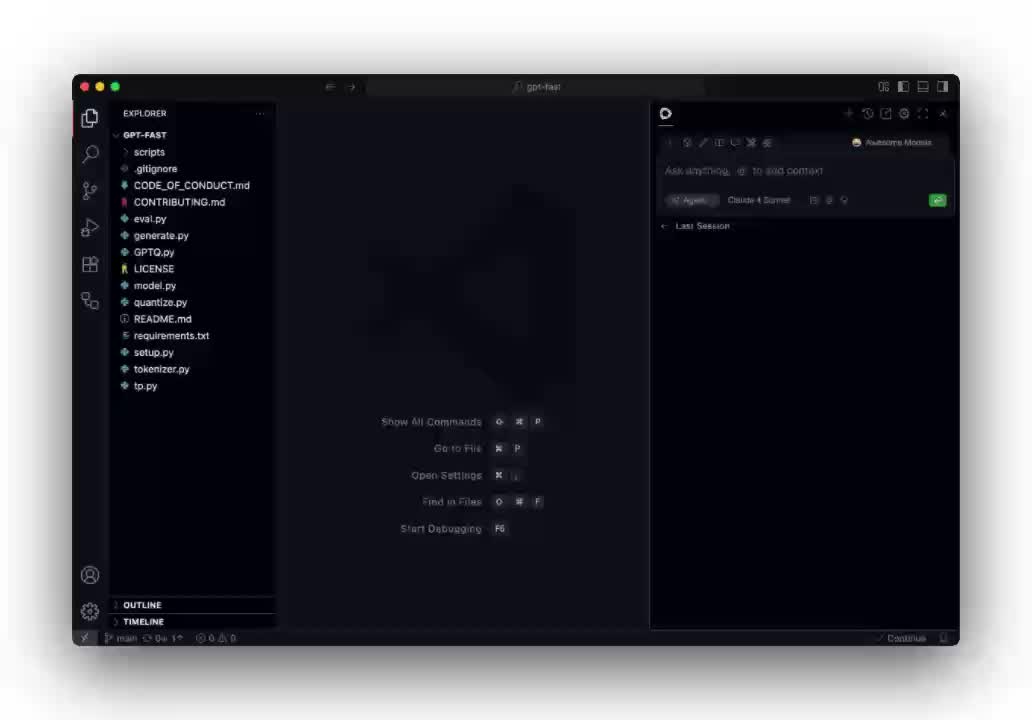
In this post, I'll walk you through some of the top picks, breaking down what they do, why they're awesome, and how they can fit into your workflow. We'll cover free and paid tools, toss in some pros and cons, and even compare them side by side. By the end, you'll have a solid idea of which ones to try first. Let's jump in!
Why AI Tools Are a Must for Coders in 2026
Picture this: You're staring at a blank screen, trying to figure out how to implement a complex algorithm. Instead of spending hours Googling or scratching your head, an AI tool suggests the perfect code snippet, explains it line by line, and even tests it for you. That's the reality in 2026. These tools use advanced machine learning to understand your codebase, predict what you need, and automate the boring stuff.
The rise of AI in coding has been explosive. According to recent developer surveys, over 75% of programmers are using AI assistants daily, and it's no wonder— they cut down development time by up to 50%. But with so many options out there, how do you pick the best AI tools for coding in 2026? It comes down to your needs: Do you want something integrated into your IDE? An autonomous agent that handles entire tasks? Or a simple chat-based helper?
Key benefits include:
- Speed: Generate code in seconds.
- Accuracy: Catch errors early with smart suggestions.
- Learning: Great for beginners to learn best practices.
- Collaboration: Some tools even help with code reviews.
Of course, they're not perfect—hallucinations (AI making up stuff) can happen, so always double-check. But overall, they're transforming how we code.
How to Choose the Best AI Tool for Your Coding Needs
Before we dive into the list, let's talk strategy. Not every tool is right for every developer. Consider these factors:
- Integration: Does it work with your favorite editor like VS Code or JetBrains?
- Features: Look for code completion, debugging, refactoring, or full-project management.
- Pricing: Free tiers are great for testing, but paid versions unlock advanced models.
- Privacy: If you're handling sensitive code, opt for tools with strong data controls.
- Community: Check reviews and updates—2026 has seen rapid improvements in models like Claude 4.5 or Gemini 2.0.
Start with a free trial, test on a small project, and see what clicks. Now, onto the tools!
Top Free AI Tools for Coding in 2026
Free doesn't mean basic anymore. These tools offer powerful features without costing a dime, though some have premium upgrades. They're perfect for students, hobbyists, or anyone testing the waters.
1. Aider: The Open-Source Coding Wizard
Aider is one of those underrated heroes in the AI coding scene. It's an open-source tool that lets you chat with your codebase like it's a teammate. You describe what you want, and it generates, edits, and commits code right from the command line. In 2026, with support for the latest LLMs, it's become a go-to for quick prototypes.
Features:
- Natural language commands for code changes.
- Git integration for seamless version control.
- Supports multiple languages like Python, JavaScript, and more.
Pros: Completely free, highly customizable, no internet needed for local models. Cons: Steeper learning curve if you're not comfy with terminals; occasional context limits.
Use case: Ideal for solo devs fixing bugs or adding features fast. I once used it to refactor a messy Python script in under 10 minutes—what a time-saver!

2. Cline: Autonomous Agent for VS Code
If you live in VS Code (and who doesn't?), Cline is your new best friend. This open-source extension turns your editor into an AI-powered beast. It can automate scripting, handle CLI tasks, and even build small apps based on your prompts. Updated in 2026 with better model integration, it's super versatile.
Features:
- AI-automated code generation and editing.
- Supports PowerShell, Bash, and more for admin tasks.
- Free and self-hosted options for privacy.
Pros: Deep VS Code integration, fast performance, no subscription hassles. Cons: Limited to extensions; might need tweaking for complex projects.
Use case: Great for sysadmins or devs who juggle code and scripts. Imagine automating a deployment pipeline with a simple chat—game-changing.

3. Tabby: Self-Hosted AI Assistant
Tabby stands out as a privacy-focused, open-source alternative. You run it on your own machine, feeding it local models, so no data leaves your setup. In 2026, it's gained traction for enterprise use where security is key.
Features:
- Code completion with context awareness.
- Chat interface for explanations and debugging.
- Supports fine-tuning on your codebase.
Pros: Total control over data, free forever, lightweight. Cons: Setup requires some tech know-how; slower without powerful hardware.
Use case: Perfect for teams worried about leaks. I've seen devs use it to train on internal repos for custom suggestions—brilliant for big projects.
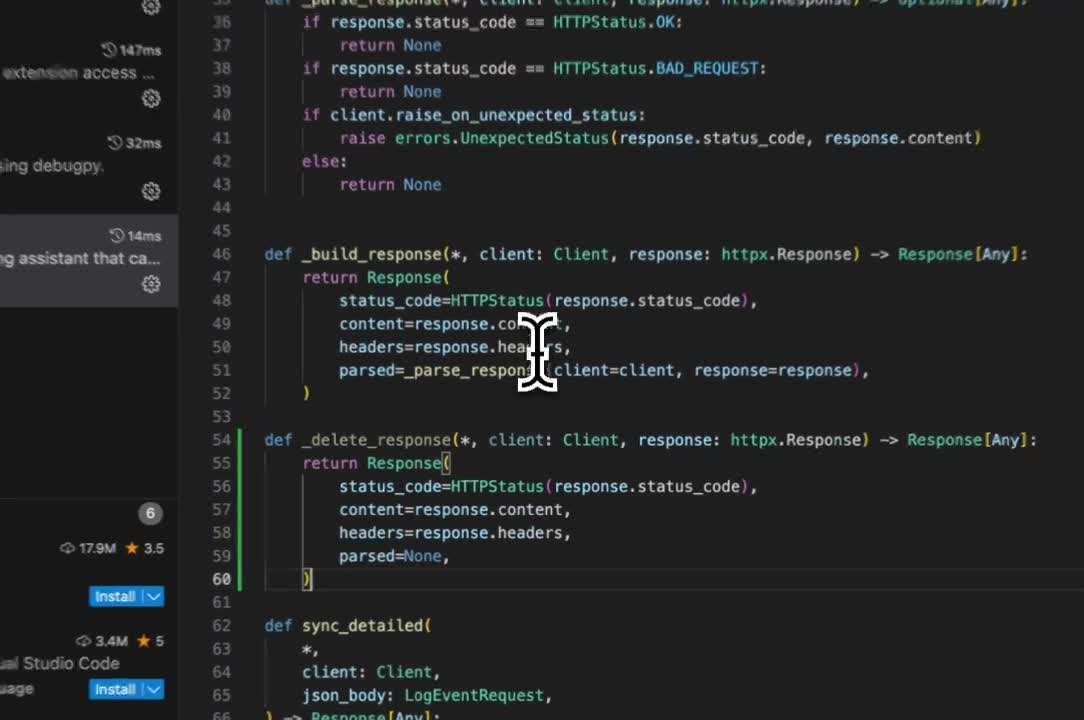
4. Continue: Continuous AI in Your IDE
Continue is another open-source gem that embeds AI right into your workflow. It offers code completion, chat, and even codebase searching. With 2026 updates, it now handles local models seamlessly.
Features:
- Inline suggestions and full-file edits.
- Context from your entire project.
- Integration with VS Code and JetBrains.
Pros: Free, extensible, great for iterative coding. Cons: Can be resource-heavy; less polished than paid options.
Use case: For long coding sessions where you need ongoing help. It's like having a pair programmer who never gets tired.
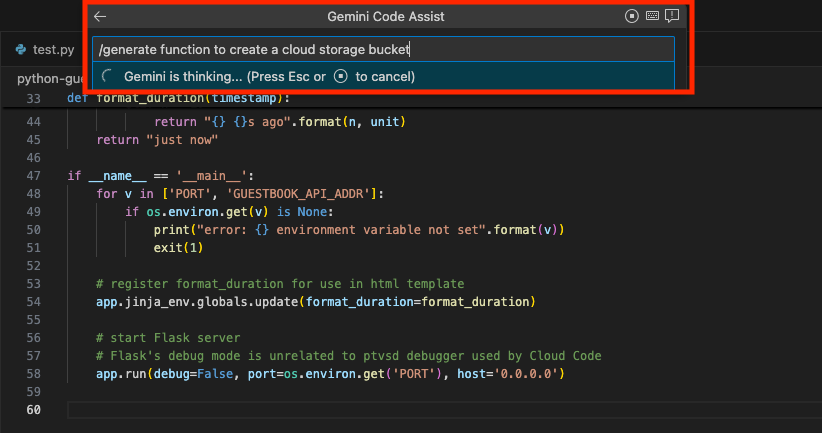
5. Gemini Code Assist (Free Tier)
Google's Gemini has a solid free tier for code assistance. It's integrated into VS Code or Cloud, offering suggestions powered by Gemini models.
Features:
- Code generation from prompts.
- Debugging and optimization tips.
- Google ecosystem perks like search integration.
Pros: Reliable, fast, no cost for basics. Cons: Limited tokens in free version; biased toward Google tech.
Use case: Web devs or those in the Android space—pairs well with other Google tools.
That's just the free side—plenty to get you started and productive without spending a cent.
Top Paid AI Tools for Coding in 2026
Ready to level up? Paid tools often come with advanced models, unlimited usage, and enterprise features. They're worth the investment if coding is your job.
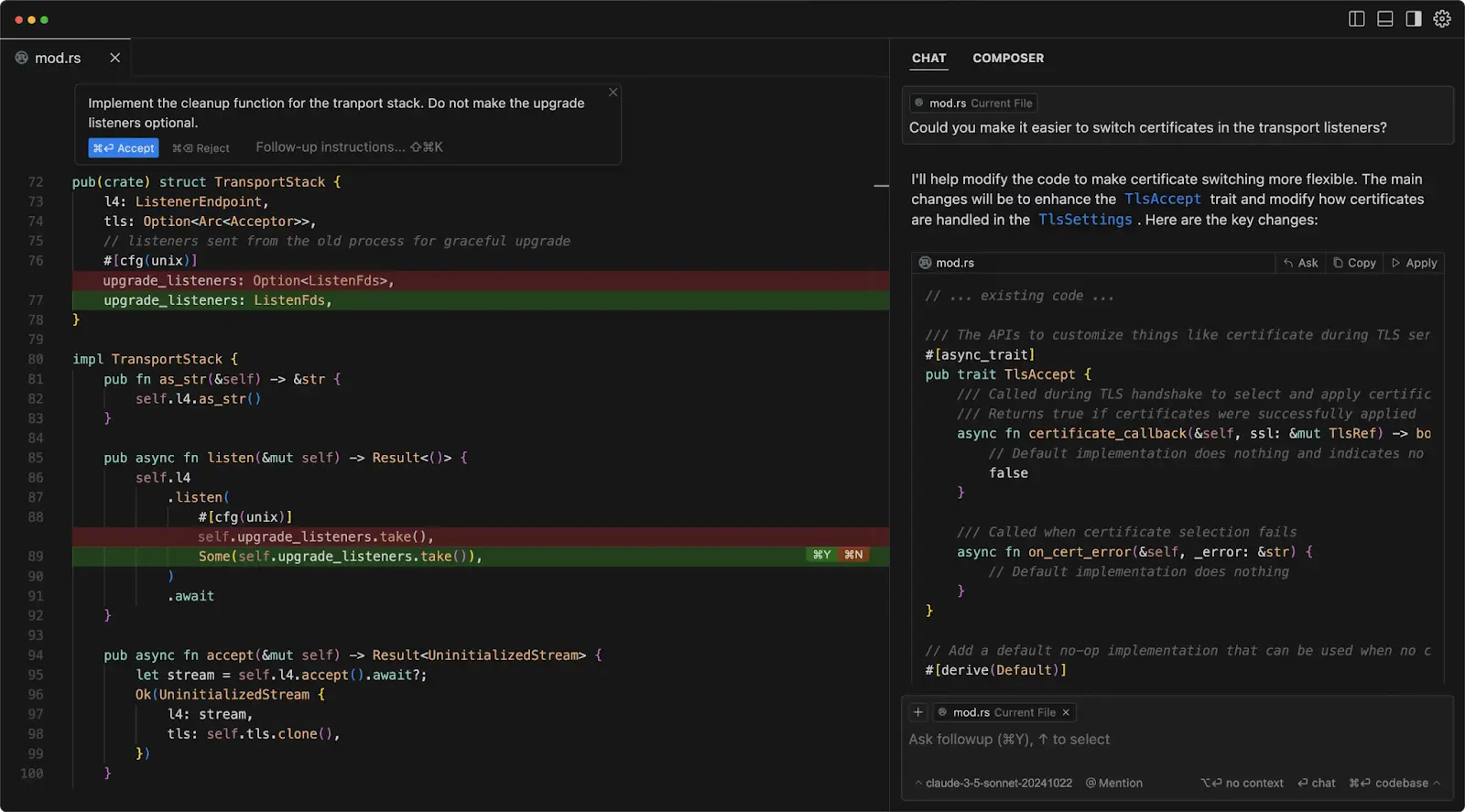
1. Cursor: The AI-First IDE
Cursor is basically VS Code on steroids, rebuilt with AI at its core. In 2026, it's the top pick for many devs because it understands your entire repo and applies changes safely.
Features:
- Multi-file edits with context.
- Bug fixing and refactoring.
- Custom workflows with extensions.
Pricing: $20/mo for pro. Pros: Keeps your familiar setup, huge productivity boost. Cons: Subscription-based; learning curve for AI commands.
Use case: Full-stack development. I know devs who've shipped apps twice as fast using Cursor—it's that good.
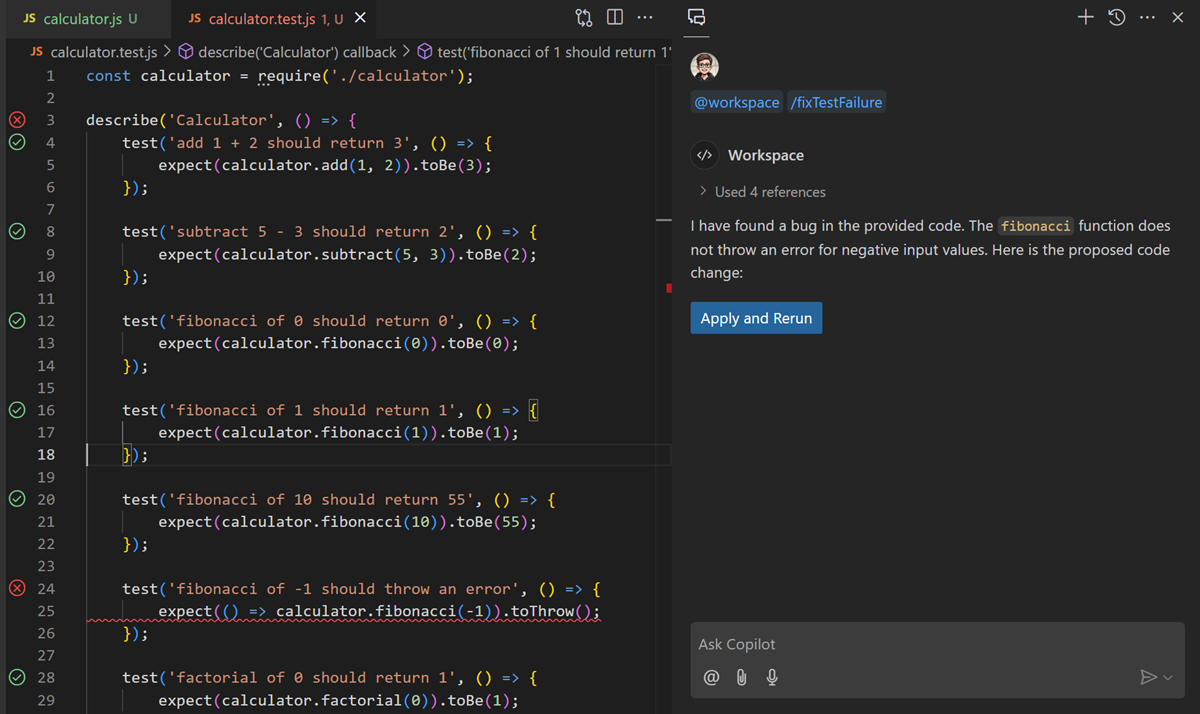
2. GitHub Copilot: The OG AI Assistant
GitHub Copilot has been around, but in 2026, it's evolved with agent mode and better multi-language support. It integrates seamlessly into VS Code.
Features:
- Inline code completions.
- Chat for complex queries.
- Code reviews and security scans.
Pricing: $10/mo. Pros: Mature, trusted by millions, constant updates. Cons: Can be pricey for teams; occasional inaccuracies.
Use case: Daily coding in any language. It's like autocomplete on crack.
3. Claude Code: Advanced Reasoning Powerhouse
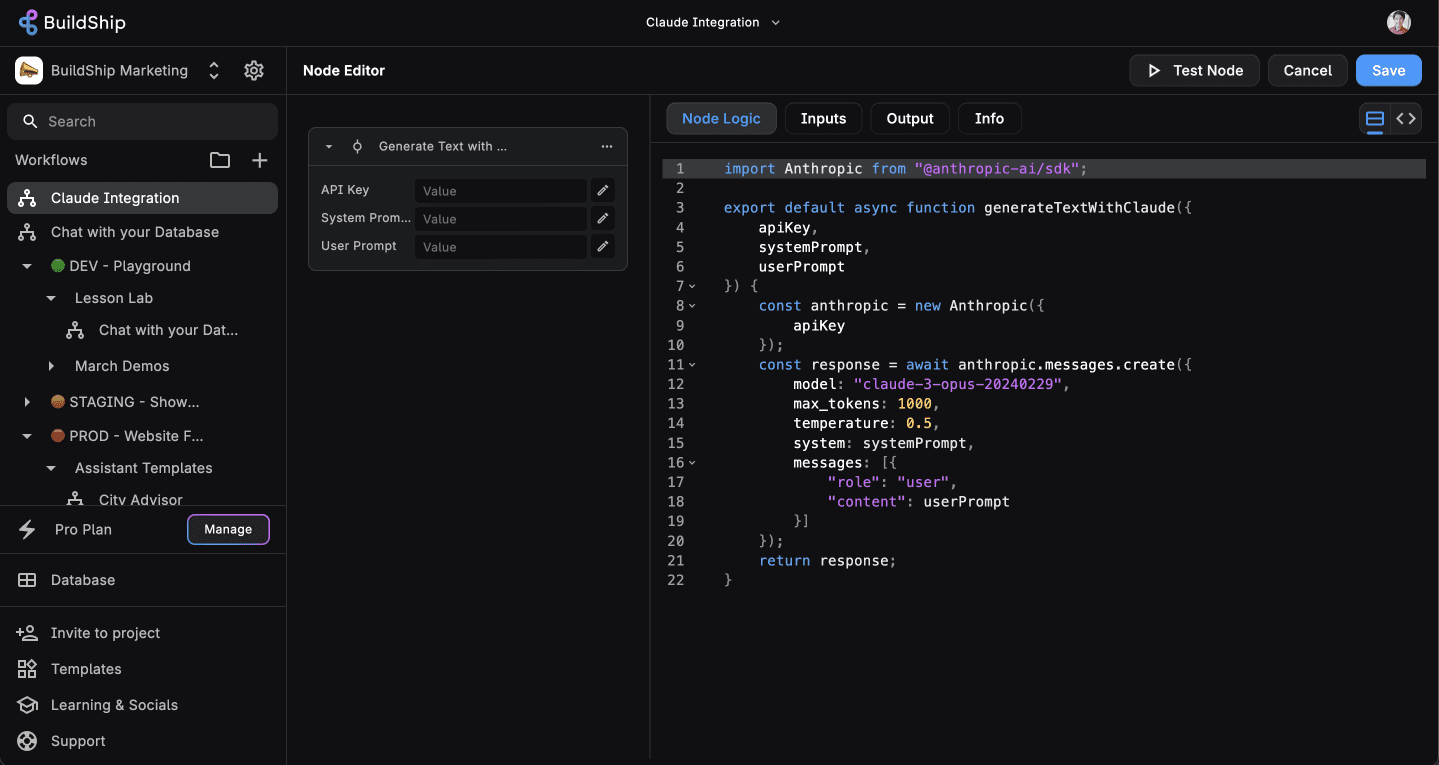
Claude, from Anthropic, shines in coding with its logical thinking. The Code version lets you build custom assistants.
Features:
- Deep code analysis and writing.
- Project planning and execution.
- Integration with IDEs via API.
Pricing: $20/mo for pro. Pros: Excellent for complex logic, fewer hallucinations. Cons: Web-based primarily; higher cost.
Use case: Research-heavy coding or AI experiments. Devs rave about its writing quality.
4. Replit AI: Browser-Based Power
Replit's AI turns your browser into a full IDE with ghostwriting capabilities. Great for collaborative coding.
Features:
- Real-time code suggestions.
- App building with AI agents.
- Hosting included.
Pricing: $9.99/mo for advanced. Pros: No setup, cross-platform. Cons: Browser limitations for heavy tasks.
Use case: Quick jams or team projects. Fun for learning too.

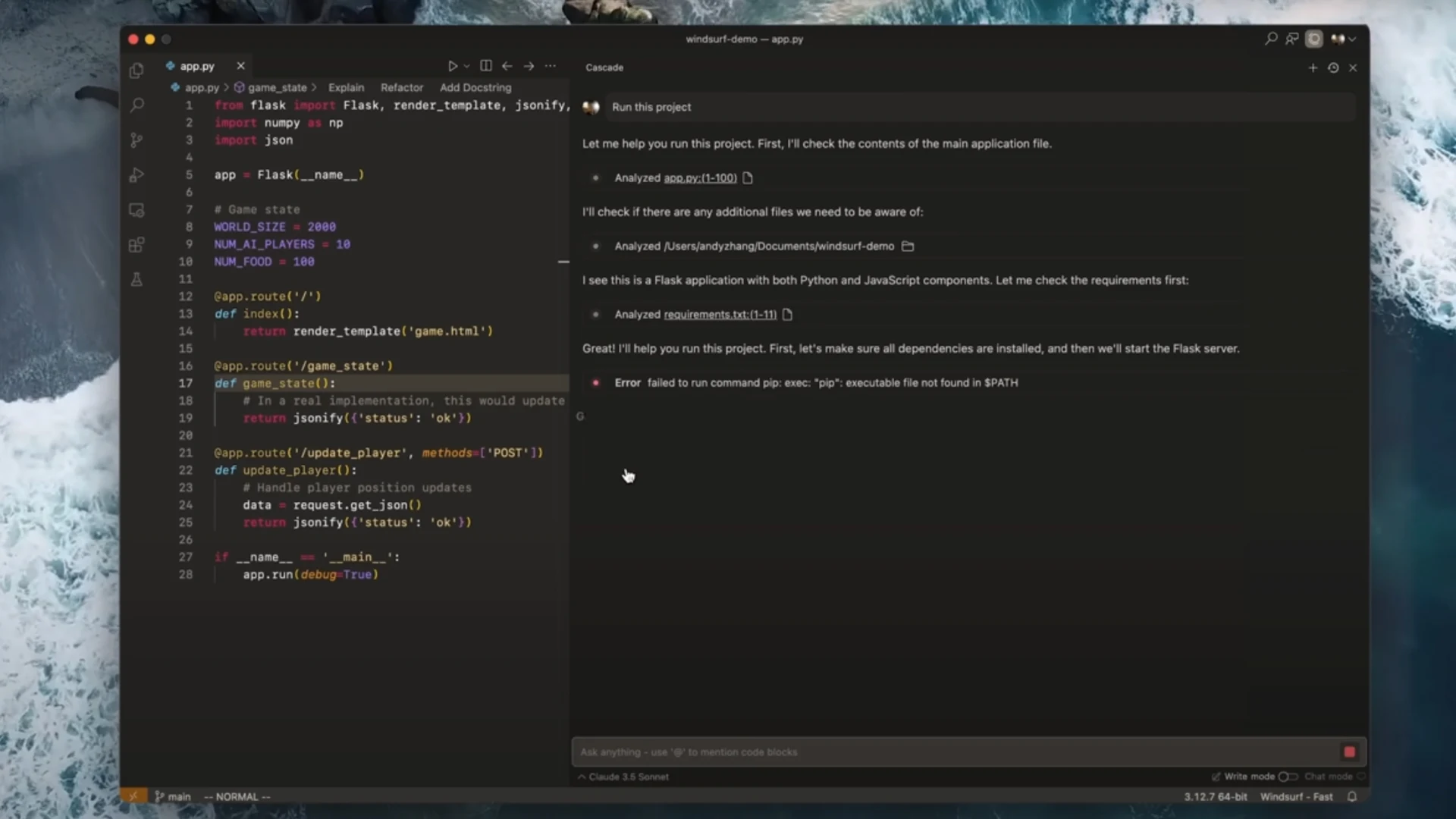
5. Windsurf: Beginner-Friendly AI Coder
Formerly Codeium, Windsurf uses AI to help non-coders build games and apps. In 2026, it's expanded to pro dev.
Features:
- Visual coding with AI assistance.
- Template-based generation.
- Export to code.
Pricing: $15/mo. Pros: Intuitive, creative boost. Cons: Less for hardcore coding.
Use case: Prototyping ideas fast.
6. Manus: All-in-One Autonomous Agent
Manus handles end-to-end tasks, from research to code. It's like having an AI dev team.
Features:
- Task automation.
- Code + research integration.
- Custom agents.
Pricing: Varies, around $20/mo. Pros: Versatile beyond coding. Cons: Overkill for simple needs.
Use case: Building MVPs solo.
7. Amazon Q Developer: Enterprise-Grade
AWS's Q is for cloud devs, with deep integration.
Features:
- Code transformation.
- Documentation generation.
- Security checks.
Pricing: Free for basics, paid for advanced (~$19/mo). Pros: Robust for AWS users. Cons: Ecosystem lock-in.
Use case: Cloud apps.

8. Zencoder: SDLC Booster
Zencoder elevates the whole dev lifecycle with AI.
Features:
- Accuracy and creativity tools.
- Testing automation.
Pricing: Subscription-based. Pros: Comprehensive. Cons: Newer, less community.
Use case: Team workflows.
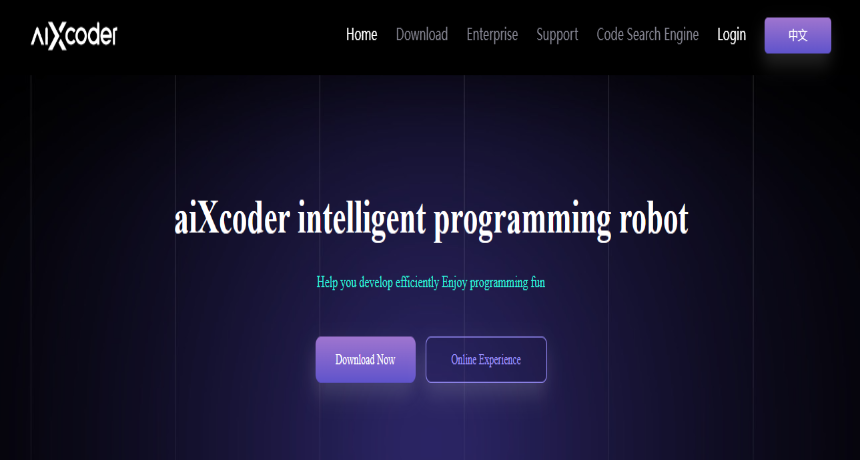
9. aiXcoder: Intelligent Completion
aiXcoder focuses on method-level generation.
Features:
- Multi-line completions.
- Natural language to code.
Pricing: Paid plans. Pros: Precise. Cons: Niche.
Use case: Efficiency in large codebases.
Comparison of the Best AI Tools for Coding in 2026
Here's a quick table to stack them up:
| Tool | Type | Key Feature | Pricing | Best For |
|---|---|---|---|---|
| Cursor | IDE | Repo understanding | $20/mo | Full projects |
| GitHub Copilot | Extension | Inline suggestions | $10/mo | Daily use |
| Claude Code | Chat | Reasoning | $20/mo | Complex logic |
| Aider | CLI | Git edits | Free | Quick fixes |
| Cline | Extension | Automation | Free | Scripts |
| Tabby | Self-hosted | Privacy | Free | Enterprises |
| Continue | IDE | Context | Free | Iteration |
| Gemini Code Assist | Extension | Google integration | Free/Paid | Web/Android |
| Replit AI | Browser | Collaboration | $9.99/mo | Teams |
| Windsurf | Visual | Beginner aid | $15/mo | Prototypes |
| Manus | Agent | Autonomy | $20/mo | MVPs |
| Amazon Q | Cloud | Security | Paid | AWS |
| Zencoder | Agent | SDLC | Paid | Teams |
| aiXcoder | Assistant | Completion | Paid | Precision |
Tips for Maximizing Productivity with AI Coding Tools
To get that 10x boost:
- Prompt well: Be specific, e.g., "Write a Python function to sort a list with explanations."
- Integrate gradually: Start with completions, then move to agents.
- Combine tools: Use Cursor for editing, Claude for planning.
- Stay updated: 2026 models like Sonnet 4.5 are beasts—upgrade when possible.
- Ethical use: Credit AI if needed, and always review code.
Real story: A friend built a startup app using Copilot and Cursor, cutting launch time from months to weeks. Insane!
The Future of AI in Coding: What's Next?
By 2027, expect fully autonomous devs like Devin evolving further. AI will handle more planning, leaving humans for creativity. But remember, tools augment—not replace—your skills.
Wrapping Up: Pick Your AI Coding Ally Today
There you have it—the best AI tools for coding in 2026 to skyrocket your productivity. Whether you go free with Aider or premium with Cursor, these will change how you work. Start with one, experiment, and watch your output soar. Got questions or favorites? Drop a comment below!